Also an idea from Dr. Jean's blog:
Photocopy your iPad open to a horizontal text-input screen on cardstock, mount and laminate. Or attach inside a file folder. Kids can "type" their names, the alphabet, sight words, etc. How fun is that! This also develops early keyboarding skills as it familiarizes kids with a QWERTY keyboard. In this world of high-speed electronic communication, keyboarding is a crucial skill!
You could also make a class set mounted on cardstock and/or tagboard, and use for whole class letter ID activities and sight word practice. Maybe even blow up a big one on the wall or Smart board! Oooh, you could make a Smart board game where touching the key brings you to a page with objects or a game for that letter!

Showing posts with label iPad. Show all posts
Showing posts with label iPad. Show all posts
Wednesday, August 1, 2012
The Alphabet in My Mouth

I saw this SUPER CUTE class book idea on Dr. Jean's blog! I LOVE it! I think we could even do this on our iPad, and draw the letters inside our mouths, then create an "eBook" using iMovie with our voices singing the song. I can't wait to try it out! It sings well in English and Spanish. Here is the song:
The Alphabet in My Mouth
(Tune: “He’s Got the Whole World in His Hands”)
I’ve got A /a/ /a/ in my mouth.
I’ve got A /a/ /a/ in my mouth.
I’ve got A /a/ /a/ in my mouth,
And I can read.
El abecedario en mi boca
(Tune: "He's Got the Whole World in His Hands," adapted by Mrs. Doring)
Tengo la A /a/ /a/ en mi boca.
Tengo la A /a/ /a/ en mi boca.
Tengo la A /a/ /a/ en mi boca,
Y yo sé cómo leer.

Labels:
Alphabet,
Beginning of the Year,
Bilingual,
Class book,
eBook,
iPad,
Letters,
Songs
 No comments:
No comments:
On Yearbooks and Sleepless Nights
Just a preemptive reminder to myself:
This year I MUST create videos/photo slideshows and yearbook pages THROUGHOUT the year! Last year I had an excuse since I was sick and gone SO much that I was constantly in survival mode playing catch-up. But really? I pulled way too many all-nighters the week before graduation finishing our year-end iMovie and scrapbooking our yearbook (when no moms showed up to help =( ). This year I cannot do that to myself! Maybe this week I can create some default scrapbook layouts for each season/field trip/party so next year I just have to drop in the photos? Or maybe I can print out the photos in a blank layout and have the kids illustrate them after each event... That may be a cuter keepsake than my scrapbooking skills! Hmmm...
Ooh, I know! For the video I think I want to record kids saying what we did and where and when. Like a short little introduction for each scene, instead of creating a title screen! This we can also do throughout the year, and I really need to show kids the videos all along, otherwise there's no point in recording and saving them, since only 1-2 minutes of each event makes the final DVD! I wonder how much of this I can do on my new iPad?
This year I MUST create videos/photo slideshows and yearbook pages THROUGHOUT the year! Last year I had an excuse since I was sick and gone SO much that I was constantly in survival mode playing catch-up. But really? I pulled way too many all-nighters the week before graduation finishing our year-end iMovie and scrapbooking our yearbook (when no moms showed up to help =( ). This year I cannot do that to myself! Maybe this week I can create some default scrapbook layouts for each season/field trip/party so next year I just have to drop in the photos? Or maybe I can print out the photos in a blank layout and have the kids illustrate them after each event... That may be a cuter keepsake than my scrapbooking skills! Hmmm...
Ooh, I know! For the video I think I want to record kids saying what we did and where and when. Like a short little introduction for each scene, instead of creating a title screen! This we can also do throughout the year, and I really need to show kids the videos all along, otherwise there's no point in recording and saving them, since only 1-2 minutes of each event makes the final DVD! I wonder how much of this I can do on my new iPad?
Labels:
End of the Year,
iPad,
Memories,
Organizing,
Photos,
Scrapbook,
Streamlining,
Technology,
Video,
Year-End Video,
Yearbook
No comments:
No comments:
Tuesday, July 31, 2012
The iPad Planner?
So, I came across a neat blog (on Pinterest, of course!) by designer Amanda Hawkins from www.ahh-design.com that inspired what may become a great idea... Now, I have been looking for YEARS for a good online lesson planner--and I don't mean a type-it-in-and-we'll-save-it "lesson templates" where you type out your resources, standards, anticipatory set, direct instruction, etc. I teach kindergarten, for crying out loud! I certainly think about all those things each day, but I certainly don't write out full-on work sample lesson plans for every single thing we do each day! I want a customizable, weekly lesson planner just like the paper ones I make and print out--only online. I have a computing device in my hands way more often than I have my lesson plan binder, and for me it's much faster to type something in and copy links or pictures instead of hand-writing things out.
Amanda may have just solved my problem... http://ahhh-design.com/ipad-notes/
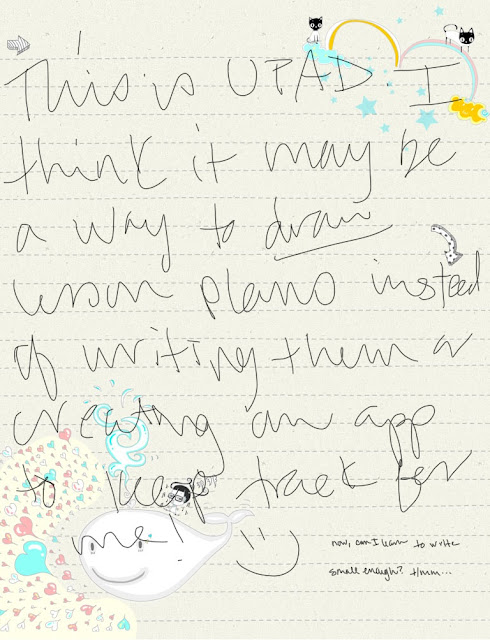

It's pretty scattered and very right-brained! I think it just may work, though! We shall see...
What is your favorite lesson plan method?
Amanda may have just solved my problem... http://ahhh-design.com/ipad-notes/
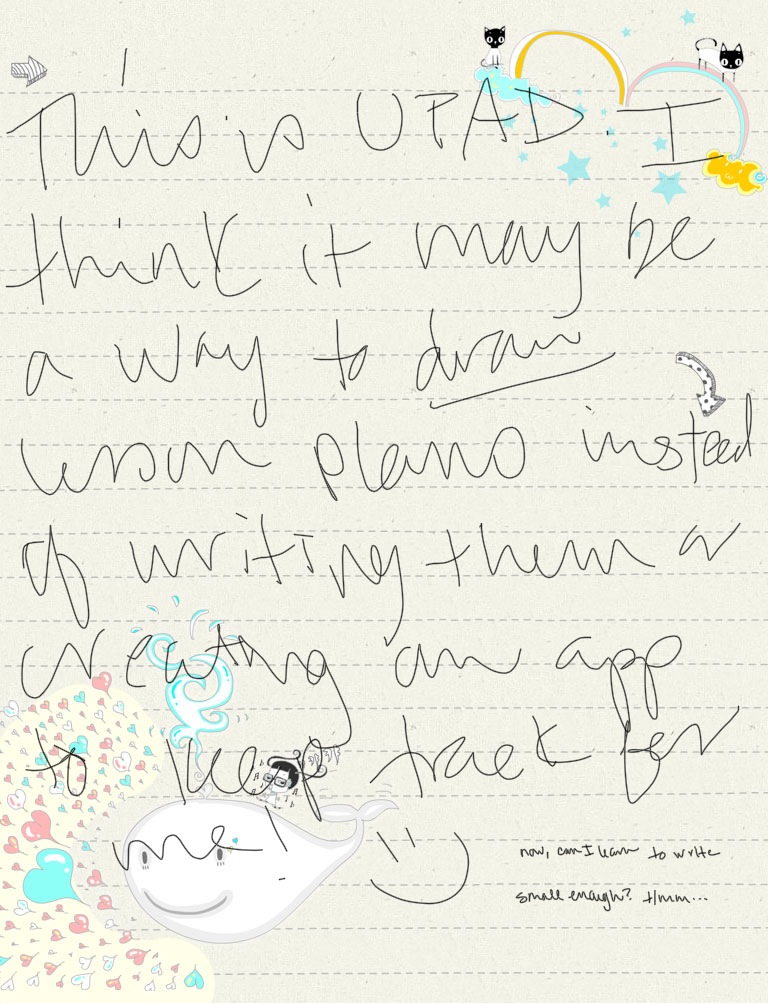
I tried my hand at a quick mock daily lesson plan template last night:

What is your favorite lesson plan method?
Subscribe to:
Posts (Atom)