So, in addition to my full-time teaching job, I also do some work on the side as a trainer with the ORVSD: Oregon Virtual School District. I was thinking tonight about what I could do this year to share information with teachers and encourage teachers who are using Google Apps for Education in their classrooms. We've often played with this idea, but no one has every really fleshed it out: Tech Tips for Teachers short video blogs (the name is certainly up for improvement). If Ican put together a short video each week one one specific thing--conventions or best practices or a different way to think of or use a Google tool--and then be available to moderate comments or a discussion, that could really helpful to connect teachers around the state who are doing the same thing.
I know one of the hardest things for me about using Google Apps with my students is that I'm the only one I know of at my grade level. I know there are plenty of other kinder and primary teachers doing creative things with these tools, but they don't work where I work, and we don't currently have a good way to connect over this issue.
This could be a resource where there was a live component--every Wednesday from 4-4:15 or something--but then the videos and discussion would remain as a resource that teachers could search and read or refer to later.
What about the Google Apps CAFE? Creative uses, Application (naming conventions, etc.), Fabulous project ideas, and Exemplary teaching practices? That's probably a stretch. One thing I'll have to consider is that many of the ideas, practices, and conventons I want to share would require my colleagues' help. They'll have to be willing to respond to my emails, or else I can comb through their presentation materials and websites to get the info... Either way, lots of research.
But we can use the extra cash, and I'm not coaching this year, and I hopefully am not having surgery, either, which took up lots of extra time last year!

Showing posts with label Technology. Show all posts
Showing posts with label Technology. Show all posts
Friday, August 3, 2012
Wednesday, August 1, 2012
Free Fonts from Mrs. Law
From my email-it-to-myself-so-I-can-find-it-later archives:
Free teachery handwriting fonts from Mrs. Law to download on my various machines!
http://firstgradealacarte.blogspot.com/2012/06/my-very-own-font.html?m=1
Free teachery handwriting fonts from Mrs. Law to download on my various machines!
http://firstgradealacarte.

iPad folder games
Also an idea from Dr. Jean's blog:
Photocopy your iPad open to a horizontal text-input screen on cardstock, mount and laminate. Or attach inside a file folder. Kids can "type" their names, the alphabet, sight words, etc. How fun is that! This also develops early keyboarding skills as it familiarizes kids with a QWERTY keyboard. In this world of high-speed electronic communication, keyboarding is a crucial skill!
You could also make a class set mounted on cardstock and/or tagboard, and use for whole class letter ID activities and sight word practice. Maybe even blow up a big one on the wall or Smart board! Oooh, you could make a Smart board game where touching the key brings you to a page with objects or a game for that letter!
Photocopy your iPad open to a horizontal text-input screen on cardstock, mount and laminate. Or attach inside a file folder. Kids can "type" their names, the alphabet, sight words, etc. How fun is that! This also develops early keyboarding skills as it familiarizes kids with a QWERTY keyboard. In this world of high-speed electronic communication, keyboarding is a crucial skill!
You could also make a class set mounted on cardstock and/or tagboard, and use for whole class letter ID activities and sight word practice. Maybe even blow up a big one on the wall or Smart board! Oooh, you could make a Smart board game where touching the key brings you to a page with objects or a game for that letter!
On Yearbooks and Sleepless Nights
Just a preemptive reminder to myself:
This year I MUST create videos/photo slideshows and yearbook pages THROUGHOUT the year! Last year I had an excuse since I was sick and gone SO much that I was constantly in survival mode playing catch-up. But really? I pulled way too many all-nighters the week before graduation finishing our year-end iMovie and scrapbooking our yearbook (when no moms showed up to help =( ). This year I cannot do that to myself! Maybe this week I can create some default scrapbook layouts for each season/field trip/party so next year I just have to drop in the photos? Or maybe I can print out the photos in a blank layout and have the kids illustrate them after each event... That may be a cuter keepsake than my scrapbooking skills! Hmmm...
Ooh, I know! For the video I think I want to record kids saying what we did and where and when. Like a short little introduction for each scene, instead of creating a title screen! This we can also do throughout the year, and I really need to show kids the videos all along, otherwise there's no point in recording and saving them, since only 1-2 minutes of each event makes the final DVD! I wonder how much of this I can do on my new iPad?
This year I MUST create videos/photo slideshows and yearbook pages THROUGHOUT the year! Last year I had an excuse since I was sick and gone SO much that I was constantly in survival mode playing catch-up. But really? I pulled way too many all-nighters the week before graduation finishing our year-end iMovie and scrapbooking our yearbook (when no moms showed up to help =( ). This year I cannot do that to myself! Maybe this week I can create some default scrapbook layouts for each season/field trip/party so next year I just have to drop in the photos? Or maybe I can print out the photos in a blank layout and have the kids illustrate them after each event... That may be a cuter keepsake than my scrapbooking skills! Hmmm...
Ooh, I know! For the video I think I want to record kids saying what we did and where and when. Like a short little introduction for each scene, instead of creating a title screen! This we can also do throughout the year, and I really need to show kids the videos all along, otherwise there's no point in recording and saving them, since only 1-2 minutes of each event makes the final DVD! I wonder how much of this I can do on my new iPad?
Labels:
End of the Year,
iPad,
Memories,
Organizing,
Photos,
Scrapbook,
Streamlining,
Technology,
Video,
Year-End Video,
Yearbook
 No comments:
No comments:
Tuesday, July 31, 2012
The iPad Planner?
So, I came across a neat blog (on Pinterest, of course!) by designer Amanda Hawkins from www.ahh-design.com that inspired what may become a great idea... Now, I have been looking for YEARS for a good online lesson planner--and I don't mean a type-it-in-and-we'll-save-it "lesson templates" where you type out your resources, standards, anticipatory set, direct instruction, etc. I teach kindergarten, for crying out loud! I certainly think about all those things each day, but I certainly don't write out full-on work sample lesson plans for every single thing we do each day! I want a customizable, weekly lesson planner just like the paper ones I make and print out--only online. I have a computing device in my hands way more often than I have my lesson plan binder, and for me it's much faster to type something in and copy links or pictures instead of hand-writing things out.
Amanda may have just solved my problem... http://ahhh-design.com/ipad-notes/
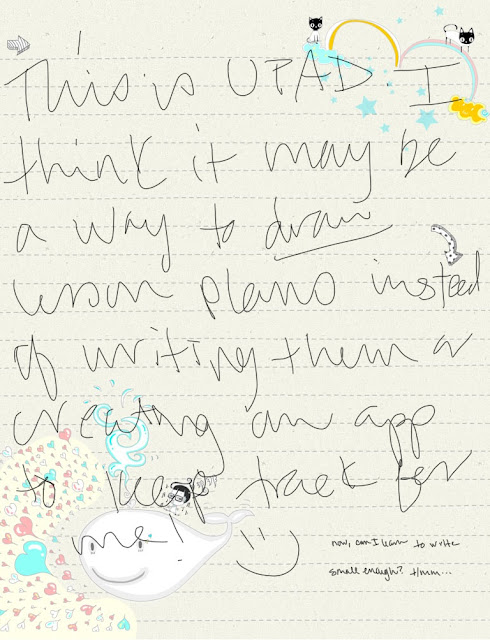

It's pretty scattered and very right-brained! I think it just may work, though! We shall see...
What is your favorite lesson plan method?
Amanda may have just solved my problem... http://ahhh-design.com/ipad-notes/
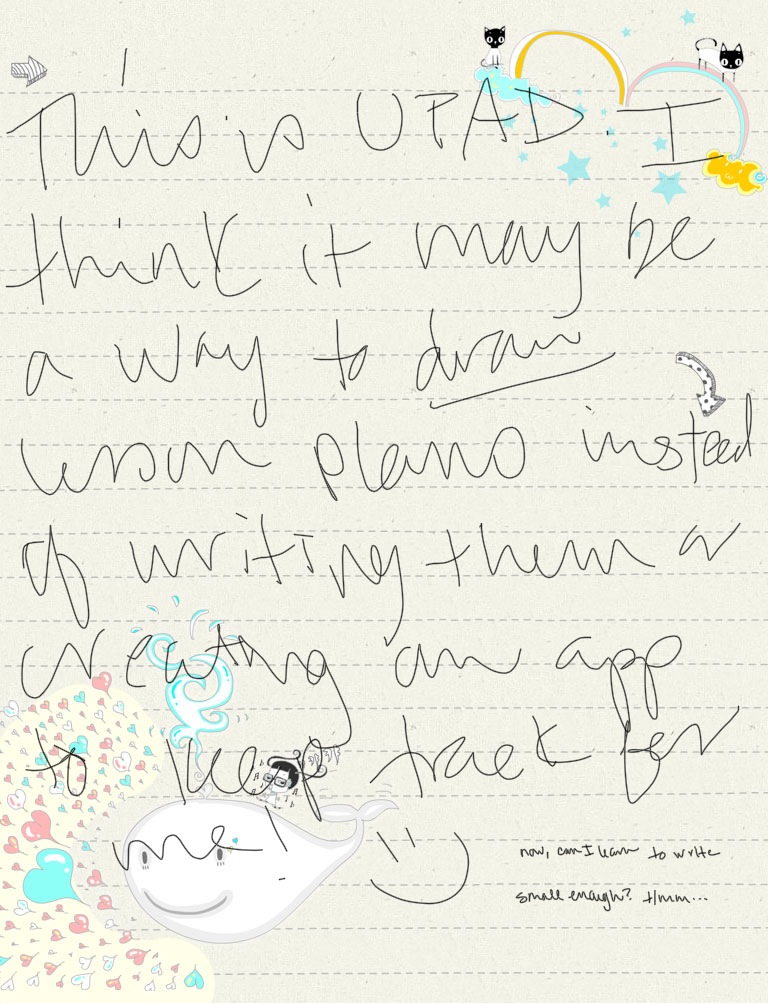
I tried my hand at a quick mock daily lesson plan template last night:

What is your favorite lesson plan method?
Subscribe to:
Posts (Atom)